

What Is HTML Language? A Complete Beginner's Guide to HTML
What Is HTML Language?
HTML stands for HyperText Markup Language. It is the standard markup language used to structure content on web pages. HTML tells a web browser what different pieces of content represent, such as headings, paragraphs, images, lists, buttons, forms, tables, and other page components. Although people often call HTML a programming language, it is more accurately described as a markup language because it organizes and describes content rather than performing general-purpose programming logic.
The word "HyperText" refers to text that can connect one document or resource to another through links. The word "Markup" describes the use of special elements to identify the meaning and structure of content. "Language" simply means that HTML follows a defined set of rules that browsers can interpret. Together, these concepts make HTML the foundation of the visible structure of many websites. When you open a web page, the browser reads its HTML and turns that structured information into the page you see on your screen.
HTML is important because websites need structure before they can have advanced design or behavior. CSS can be used to control visual presentation, while JavaScript can add interaction and dynamic functionality, but HTML provides the underlying structure that connects everything together. Understanding HTML therefore gives beginners a strong foundation for web development. Even if you eventually use website builders, frameworks, or content management systems, knowing how HTML works can help you understand and customize the pages those tools create.
How Does HTML Work?
HTML works through elements that describe the role of content on a web page. An HTML element commonly contains an opening tag, content, and a closing tag. For example, a paragraph can be represented with a paragraph element, while a heading can be represented with a heading element. The browser reads these elements and determines how the content should be organized. Some elements, such as those used for images or metadata, do not require a traditional closing tag because they provide information through attributes instead.
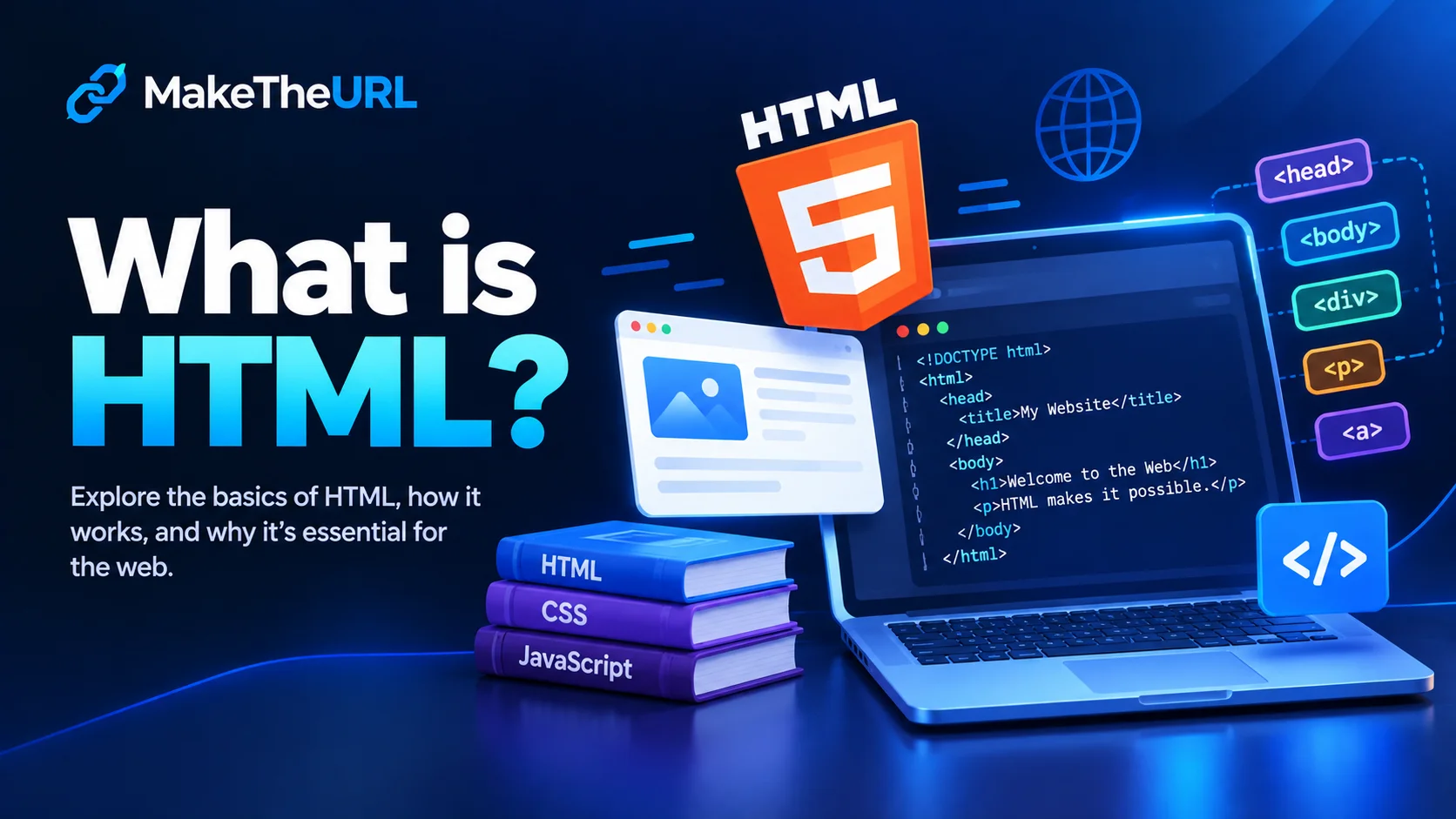
A basic HTML document follows a recognizable structure. The document normally begins with a declaration that tells the browser which HTML standard is being used. It then contains a root HTML element with separate sections for information about the document and the content displayed on the page. The head section can contain the page title, metadata, stylesheets, and other information intended for the browser or external systems. The body section contains the visible page content, including headings, paragraphs, images, navigation areas, forms, and other elements.
Browsers interpret HTML rather than simply displaying the source code as plain text. When a browser receives an HTML document, it parses the markup and builds a structured representation of the page. It then combines that structure with other resources and instructions, such as CSS and JavaScript, to produce the final user experience. This process is why correctly structured HTML matters. Clear markup helps browsers understand the page and provides a reliable foundation for styling, interaction, accessibility, and content organization.
Understanding HTML Elements and Tags
HTML elements are the building blocks of an HTML document. Common examples include headings, paragraphs, lists, links, images, tables, forms, sections, and containers. Each element has a specific purpose. Headings identify important topics and subtopics, paragraphs contain blocks of written information, lists organize related items, and images provide visual content. By selecting elements according to their meaning, developers create pages that are easier for browsers and users to understand.
Tags are the pieces of syntax used to create HTML elements. A typical paired element has an opening tag and a closing tag, with content placed between them. Attributes can provide additional information about an element. For example, an image element can include an attribute that identifies the image source and another that provides alternative text. Attributes are useful because they allow developers to configure elements without changing the basic meaning of the element itself.
One of the most important HTML concepts for beginners is semantic HTML. Semantic elements describe the purpose of content instead of relying only on generic containers. Elements such as header, nav, main, section, article, and footer can communicate the organization of a page more clearly than a document made entirely from generic containers. Semantic structure can improve maintainability and can also help technologies that interpret web pages, including assistive technologies and search-related systems.
The Basic Structure of an HTML Document
A typical HTML document has several important parts. The document declaration appears near the beginning and identifies the HTML document type. The root html element contains the entire document. Inside it, the head element stores information about the document, while the body element contains the main page content. This structure gives browsers a predictable way to interpret the document and separates technical metadata from content intended for visitors.
The head section is especially useful for information that should not normally appear as visible page content. A page title can identify the document in a browser tab, while metadata can describe the page or provide information about how it should be displayed. Character encoding information can help the browser correctly interpret text, and viewport settings can help pages behave appropriately across different screen sizes. Although visitors may not directly see most of this information, it plays an important role in how a page is processed.
The body is where the main visible content is placed. A simple page might contain a main heading, several paragraphs, an image, a list, and a form. More advanced documents can contain navigation systems, articles, sidebars, cards, tables, dialogs, media, and interactive controls. The important principle is to organize these elements logically. Good HTML is not simply about making a page look correct; it is also about describing the content in a meaningful and maintainable way.
Why HTML Is Important for Web Development
HTML is important because it provides the structural foundation of a web page. Without a markup system, browsers would have difficulty determining which text represents a heading, which content belongs to an article, where a form begins, or which image belongs to a particular section. HTML solves this problem by assigning meaning and structure to content. This makes it possible to create consistent documents that browsers can interpret.
HTML also works as part of a larger web development ecosystem. CSS generally handles presentation, including colors, spacing, typography, layouts, animations, and responsive design. JavaScript can handle behavior, such as interactive menus, dynamic content, validation, calculations, and application logic. HTML sits at the center of this relationship by providing the document structure on which styling and functionality can operate. Learning HTML first can therefore make it easier to understand CSS and JavaScript later.
Another reason HTML remains important is its accessibility potential. Well-structured HTML can provide useful information about the relationships between headings, sections, controls, labels, and content. Assistive technologies can use this structure to help users navigate and interact with a page. Developers should therefore think about HTML as more than visual formatting. A page can look attractive while having poor underlying structure, but thoughtful HTML can help create a more understandable and inclusive experience.
HTML Attributes and Their Purpose
HTML attributes provide additional information about elements. They appear within an opening tag and usually consist of a name and a value. Different elements support different attributes depending on their purpose. For example, an image can use attributes to identify its source and provide alternative text, while a form control can use attributes to define its behavior or relationship with a form. Attributes extend the capabilities of elements without changing their fundamental role.
Some attributes are global, meaning they can be used with many different HTML elements. Examples include identifiers and classes that can help developers target elements with CSS or JavaScript. Other attributes are specific to particular elements. Understanding which attributes belong to which elements is an important part of becoming comfortable with HTML. Developers should also use attributes according to their intended purpose instead of treating them as arbitrary settings.
Attributes can also make HTML more descriptive. For example, a class can communicate that several elements belong to the same design or functional group, while an identifier can distinguish a particular element. Alternative text on images can communicate useful information when an image cannot be viewed. Thoughtful use of attributes helps make documents more organized, understandable, and useful to both browsers and users.
HTML, CSS, and JavaScript: What Is the Difference?
HTML, CSS, and JavaScript are often discussed together because they perform different but complementary roles in web development. HTML creates the structure and meaning of the page. CSS controls how that structure looks and is presented. JavaScript adds behavior and logic. A simple analogy is to imagine a building: HTML provides the structural framework, CSS handles much of the visual appearance, and JavaScript provides interactive systems that allow parts of the experience to respond to users.
For example, HTML can define a button as an interactive control. CSS can change its size, typography, spacing, borders, and visual state. JavaScript can make the button perform an action when a visitor interacts with it. Separating these responsibilities makes websites easier to develop and maintain. It also allows developers to change presentation or behavior without rebuilding the entire document structure.
Modern websites can be much more sophisticated than this basic model suggests. Frameworks, libraries, build systems, APIs, databases, and server-side technologies can all become part of a larger application. Even so, HTML remains relevant because the browser ultimately needs structured content to render a web interface. Whether a page is a simple personal project or part of a complex application, HTML is still an important part of the browser-facing experience.
How to Start Learning HTML
The best way to learn HTML is to combine basic concepts with hands-on practice. Begin with simple elements such as headings, paragraphs, lists, images, and links, then learn how documents are structured. Once the basics become comfortable, move into semantic elements, forms, tables, media, and accessibility concepts. Writing small pages from scratch is usually more effective than memorizing every available element because practice helps you understand when and why each element should be used.
A useful learning exercise is to recreate a simple page structure using only HTML. Start with a document containing a title, heading, introductory paragraph, several sections, and a footer. Then inspect your structure and ask whether each element accurately describes its content. This encourages semantic thinking and helps you become comfortable with nesting elements. After that, you can introduce CSS to improve the presentation and JavaScript to add interaction.
As you progress, focus on writing clean and readable markup. Consistent indentation, meaningful element choices, descriptive attributes, and logical document organization make your code easier to understand. You do not need to memorize everything at once. HTML has many elements, but beginners can become productive by learning the elements they encounter most often and gradually expanding their knowledge through real projects.
Common HTML Mistakes Beginners Should Avoid
One common mistake is using HTML elements based only on their visual appearance. Beginners sometimes choose an element because it looks similar to the desired result instead of choosing it based on meaning. This can lead to poorly structured documents. HTML should primarily describe what content is, while CSS should generally control how that content looks. Separating structure from presentation makes pages easier to maintain and adapt.
Another mistake is creating overly complicated markup. Adding unnecessary containers or deeply nested elements can make documents harder to read and maintain. Before adding another element, consider whether it has a clear structural or semantic purpose. Simple, logical HTML is often easier to style and debug than markup filled with unnecessary wrappers.
Beginners should also avoid ignoring accessibility and document structure until the very end of a project. Using meaningful headings, appropriate labels, useful alternative text, and semantic elements from the beginning is much easier than trying to repair a poorly structured document later. Good HTML habits developed early can improve the quality of future projects and make advanced web development concepts easier to understand.
The Future Value of Learning HTML
HTML has remained a fundamental web technology because the web depends on structured documents and interfaces. Tools and development workflows continue to evolve, but the need to describe content and interface components remains. Learning HTML therefore provides knowledge that can transfer across different types of websites, development environments, and technologies. It is a practical skill for beginners and remains useful even for developers who later specialize in more advanced areas.
Understanding HTML can also make it easier to work with modern website tools. Content management systems, visual editors, component-based frameworks, and other platforms often generate HTML behind the scenes. When you understand the underlying markup, you can inspect what those tools produce, identify structural problems, customize components, and communicate more effectively with other developers.
Most importantly, HTML teaches an essential web development mindset: content should have structure and meaning. Once you understand that principle, other technologies become easier to place in context. CSS becomes the layer that presents the structure, JavaScript becomes a way to add behavior, and additional technologies can extend the application. HTML may be one of the first technologies a beginner learns, but its role remains foundational.
Conclusion
HTML, or HyperText Markup Language, is the standard markup language used to structure web content. It uses elements, tags, and attributes to tell browsers what different pieces of content represent and how they relate to one another. From simple headings and paragraphs to complex application interfaces, HTML provides an essential structural foundation for web experiences.
Learning HTML does not require advanced programming knowledge. Beginners can start with a small set of common elements and gradually develop their skills through practical projects. Understanding document structure, semantic HTML, attributes, accessibility, and clean markup will provide a strong foundation for learning CSS, JavaScript, and other web technologies.
If you are beginning your journey into web development, HTML is an excellent place to start. It teaches you how the web organizes information and gives you the tools to build structured pages from the ground up. With consistent practice and a focus on meaningful, well-organized markup, you can turn basic HTML knowledge into a foundation for creating increasingly sophisticated websites and web applications.